Migrating My Home Server from a Dell R720 to a Snail Interstellar + MacBook Pro: Follow-up
Migrating My Home Server from a Dell R720 to a Snail Interstellar + MacBook Pro: Follow-up
Gigabit Network Disconnection Problem
The migration is complete and I’ve been using it for a while. The Snail Interstellar’s power consumption is very low (compared with the R720’s 100+ watts); with 3 HDDs and 1 SSD it draws 35 watts, less than 1 kWh a day—very nice.
But there’s currently a problem: on the MacbookPro, as soon as I close the lid, lock the screen, or close the remote desktop, the wired network adapter on the Thunderbolt HUB disconnects.
At that point I have to log in again; if it’s remote, I have to connect via the MacbookPro’s wireless adapter IP before the wired adapter’s IP becomes usable again.
At first I thought it was a problem with the HP G2 Thunderbolt hub, but switching to another USB HUB with a gigabit port gave the same result.
I kept testing, and tried an old Macbook with the older Intel architecture—the result was the same.
Solution
So began a long round of googleing. I found that many people have this problem, but there’s no real solution—they all say to change things in Settings - Energy Saver, and I changed those too:
 Mainly:
- When using the power adapter, prevent it from automatically going to sleep
- Wake for network access
I tried every combination of these two options, but it didn’t work.
Then some said to check hibernatemode with pmset -g. pmset is the cli tool for viewing power management on Mac.
I checked mine—it was 3—and thought it had nothing to do with this. But then I noticed that in the pmset -g output there was a SleepDisabled 0. I looked up this parameter: it means sleep is disabled. Could it be this? With a give-it-a-try attitude, I ran:
sudo pmset -a disablesleep 1
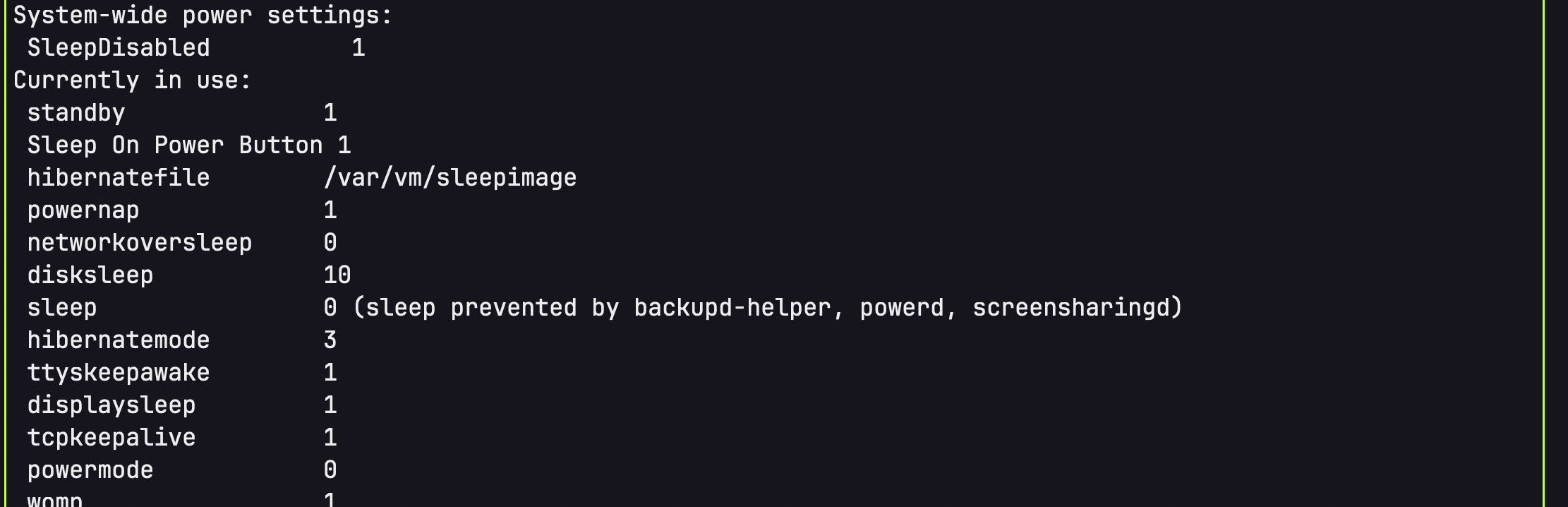
After it completed, the pmset -g output was:
|
|
The SleepDisabled 1 means the setting succeeded. I tested it, and sure enough—no matter how long, the wired adapter stays usable.
It seems Mac doesn’t have a switch like Windows to keep the system from ever sleeping while plugged in.
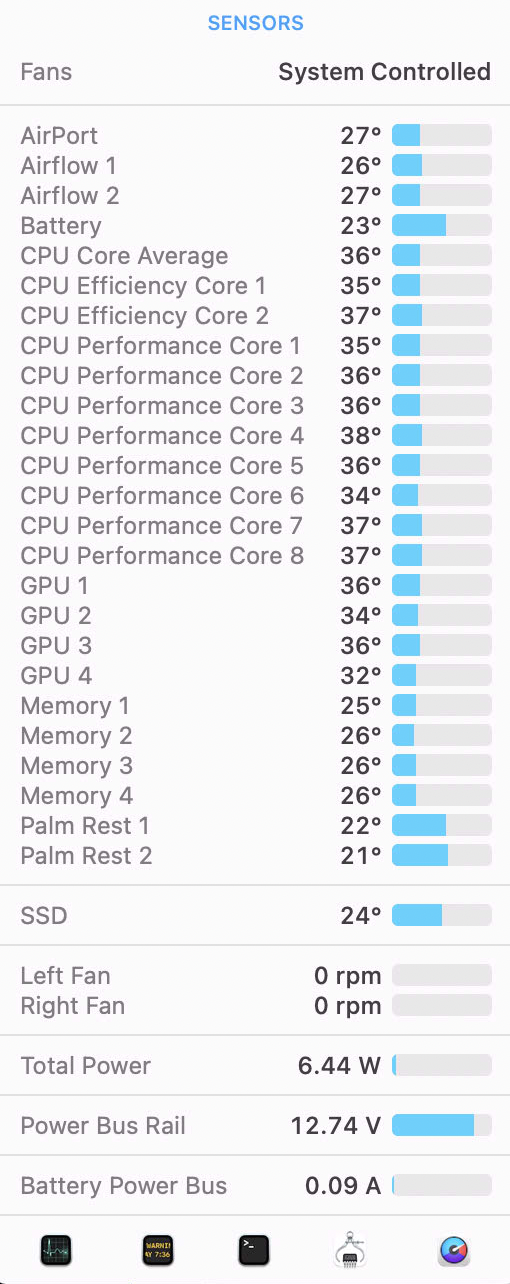
With the M1 architecture, staying on and idle the whole time draws less than 10 watts.
Now I can use emby to watch movies anytime with peace of mind…