https://gravatar.com/userimage/16926726/2de44cb9918f08ff7f430244b10bf37b.jpeg?size=256

gowinder's Blog

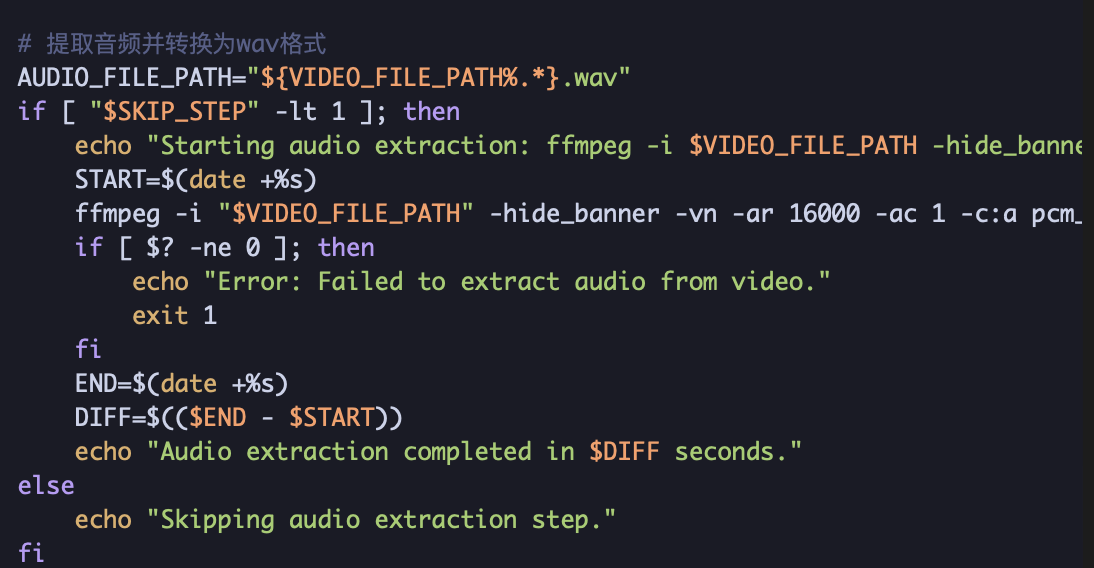
Using ChatGPT to Write a Script for Generating Chinese Subtitles for Video Files

Using ChatGPT to Write a Script for Generating Chinese Subtitles for Video Files

Background

For some obscure movies or videos, it is hard to find Chinese subtitles even though they have a plot, so in these cases you have to add Chinese subtitles manually. But adding Chinese subtitles by hand is extremely time-consuming, especially for long videos. So I wanted to use ChatGPT to help me write a script that can automatically generate Chinese subtitles for video files.

Deploy a Local Stable Diffusion Runtime Environment

Deploy a Local Stable Diffusion Runtime Environment

midjourney has been quite popular lately, but it has started charging—10 dollars a month, which is more than I can afford—so I switched to the open-source Stable Diffusion. You can deploy it on Google Colab with one click: https://github.com/camenduru/stable-diffusion-webui-colab. However, the free gpu on Google Colab runs out quickly, and although the paid one is cheap, you still have to use it sparingly. If you have a local gpu with more than 8G of VRAM, you can run it on your own computer to save costs; 6G of VRAM should also work—try lowering the resolution and keywords.

Fixing a Server-Side CORS Issue in React Development Mode

Fixing a Server-Side CORS Issue in React Development Mode

Background

Recently I was building a backend proxy service for openai — an account pool for a backend pool that buffers completion requests coming from the front end.

The backend was basically done, so I needed a demo front end for testing and demonstration. I used react to build a simple chat front end; most of the code was generated by GPT-4 over several rounds and stitched together. Since I had never written react, it took me a while to pick and stitch the pieces, because CHATGPT also makes mistakes — obvious to anyone who knows, but easy to fall for if you don’t.

Class Constructor TypeOrmCrudService Cannot Be Invoked Without 'New'

Class Constructor TypeOrmCrudService Cannot Be Invoked Without ‘New’ Error

Cause

Recently I was developing a chatgpt gateway project using nestjs, with nestjsx-crud to speed up curd development, and I had the following code:

1
2
3
4
5
6
7
8
@Injectable()
export class ChatgptAccountService extends TypeOrmCrudService<ChatGPTAccount> {
  constructor(
    @InjectRepository(ChatGPTAccount)
    private readonly chatgptAccountRepository: Repository<ChatGPTAccount>,
  ) {
    super(chatgptAccountRepository);
  }

At runtime it threw the error:

1
Class Constructor TypeOrmCrudService Cannot Be Invoked Without 'New'

Solution

I looked it up online and found one here: For anyone stumbling over this issue: it's probably a tsconfig issue. Try bumping your target from es5 to es6.

Pi-hole Web UI Fails to Start on an Orange Pi Zero

Pi-hole Web UI Fails to Start on an Orange Pi Zero

Background

I recently installed Pihole on an idle Orange Pi Zero to use as the home primary DNS server. The install went smoothly: Armbian -> Pihole. But after it finished, the WebUI would not start — Pihole uses Lighttp.

Troubleshooting

I checked with: sudo lighttpd -t -f /etc/lighttpd/lighttpd.conf — the result was Syntax OK, no problem.

Checking the lighttpd service: sudo systemctl status lighttpd, I found it exited immediately on start with exited=255.

Integrating WebSocketGateway with Microservices in NestJS

Integrating WebSocketGateway with Microservices in NestJS

Motivation

Using WebsocketGateway as a gateway: after receiving the client’s long-lived connection, forward the message to the microservice through the RabbitMQ message queue for further processing. After the microservice finishes processing, it also sends the result to RabbitMQ; when WebsocketGateway receives the message, it sends it back to the client.

Directory structure

1
2
3
4
5
6
7
8
9
src
  ws-gateway
    ws-gateway.controller.ts
    ws-gateway.module.ts
    ws-gateway.ts
  gateway.controller.ts
  gateway.module.ts
  gateway.service.ts
  main.ts

Files

First, take a look at the WSGateway module

WSGateway.ts
  1
  2
  3
  4
  5
  6
  7
  8
  9
 10
 11
 12
 13
 14
 15
 16
 17
 18
 19
 20
 21
 22
 23
 24
 25
 26
 27
 28
 29
 30
 31
 32
 33
 34
 35
 36
 37
 38
 39
 40
 41
 42
 43
 44
 45
 46
 47
 48
 49
 50
 51
 52
 53
 54
 55
 56
 57
 58
 59
 60
 61
 62
 63
 64
 65
 66
 67
 68
 69
 70
 71
 72
 73
 74
 75
 76
 77
 78
 79
 80
 81
 82
 83
 84
 85
 86
 87
 88
 89
 90
 91
 92
 93
 94
 95
 96
 97
 98
 99
100
101
102
103
import { SHARED_SERVICE, SharedService } from '@app/shared';
import { Inject, Injectable } from '@nestjs/common';
import { ConfigService } from '@nestjs/config';
import {
  ClientProxy,
  ClientProxyFactory,
  Ctx,
  MessagePattern,
  Payload,
  RmqContext,
  Server,
} from '@nestjs/microservices';
import {
  WebSocketGateway,
  WebSocketServer,
  SubscribeMessage,
  MessageBody,
  OnGatewayConnection,
  OnGatewayDisconnect,
  OnGatewayInit,
  ConnectedSocket,
} from '@nestjs/websockets';
import { SendMsgDTO } from './dto/send-msg.dto';
import { Socket } from '@nestjs/platform-socket.io';

@Injectable()
@WebSocketGateway(3333, {
  cors: {
    origin: '*',
  },
  namespace: 'main',
})
// implements OnGatewayInit, OnGatewayConnection, OnGatewayDisconnect
export class WSGateway
  implements OnGatewayInit, OnGatewayConnection, OnGatewayDisconnect
{
  apiClient: ClientProxy;
  clients: Map<string, Socket>;     // 存放客户端
  constructor(
    @Inject(SHARED_SERVICE)
    private readonly sharedService: SharedService,
    private readonly configService: ConfigService, 
  ) {
    console.log('WSGateway constructor: ');
    const client: ClientProxy = ClientProxyFactory.create(
      sharedService.getRmqOptions(configService.get('API_QUEUE'), ''),
    );

    this.apiClient = client;
    this.clients = new Map<string, Socket>();
  }
  @WebSocketServer() server: Server;

  afterInit(server: any) {
    console.log('websocket init:');
    this.server = server;
  }

  handleConnection(socket: Socket) {
    console.log('WebSocket client connecting, clients', this.clients.size);

    // 生成 socket_id,存储 socket 对象
    const socket_id = Math.random().toString(36).substring(7);

    socket['socket_id'] = socket_id;  //  将socket_id存到客户端socket连接对象中去
    this.clients.set(socket_id, socket);
  }

  handleDisconnect(socket: Socket) {
    console.log('WebSocket client disconnected');

    // 查找 socket_id,删除 socket 对象
    const socket_id = socket['socket_id'];
    console.log('remove socket:', socket_id);
    this.clients.delete(socket_id);
  }

  //  订阅客户端发来的send消息: socket.emit('send', data)
  @SubscribeMessage('send')
  async handleMessage(
    @ConnectedSocket()
    client: Socket,
    @MessageBody() data: SendMsgDTO,
  ): Promise<number> {
    console.log('; got [send]: prompt: ', data.prompt);

    //  数据中加入metadata, socket_id表示此消息属于哪个socket,回传的消息带上metadata就知道发给谁了
    const metadata = {
      socket_id: client['socket_id'],
      websocket_service: 'ws-gateway',
    };
    data['metadata'] = metadata;
    this.apiClient.emit({ cmd: 'send' }, data);
    return 0;
  }

  //  此为发送消息给客户端
  async emit(socket_id: string, event: any, content: string) {
    const client = this.clients.get(socket_id);
    const data = JSON.stringify(content);
    client.emit('recv', data);
  }
}
ws-gateway.controller.ts
 1
 2
 3
 4
 5
 6
 7
 8
 9
10
11
12
13
14
15
16
17
18
19
20
21
22
23
24
25
26
27
28
29
import { SHARED_SERVICE, SharedService } from '@app/shared';
import { Controller, Inject } from '@nestjs/common';
import { ConfigService } from '@nestjs/config';
import {
  Ctx,
  MessagePattern,
  Payload,
  RmqContext,
} from '@nestjs/microservices';
import { WSGateway } from './ws-gateway';

@Controller()
export class WSGatewayController {
  constructor(
    @Inject(SHARED_SERVICE)
    private readonly sharedService: SharedService,
    private readonly gateway: WSGateway,
  ) {}

  //  订阅微服务事件,从rabbitmq读取 recv事件
  @MessagePattern({ cmd: 'recv' })
  async recv(@Ctx() context: RmqContext, @Payload() content: string) {
    console.log('GatewayController got [recv]: ', content);
    this.sharedService.acknowledgeMessage(context);

    //  调用 wsgateway发送
    return this.gateway.emit(content['metadata']['socket_id'], 'recv', content);
  }
}
ws-gateway.module.ts

Notes: